Distracted driving killed 3,208 people on US roads in 2024, according to the National Highway Traffic Safety Administration. Not all of that is phones. A dashboard screen you have to fight with, one that lags, buries the basics, or drops your steering-wheel buttons, pulls your eyes off the road every time you touch it.
That matters because most drivers shopping for a new screen are not buying a new car. Cox Automotive expects Americans to buy around 20.1 million used vehicles in 2025, well above new-car volume. When you keep a car for years, upgrading the infotainment is one of the best-value improvements you can make. The catch: the aftermarket Android head unit market is far larger, and far messier, than it looks from a page of search results.
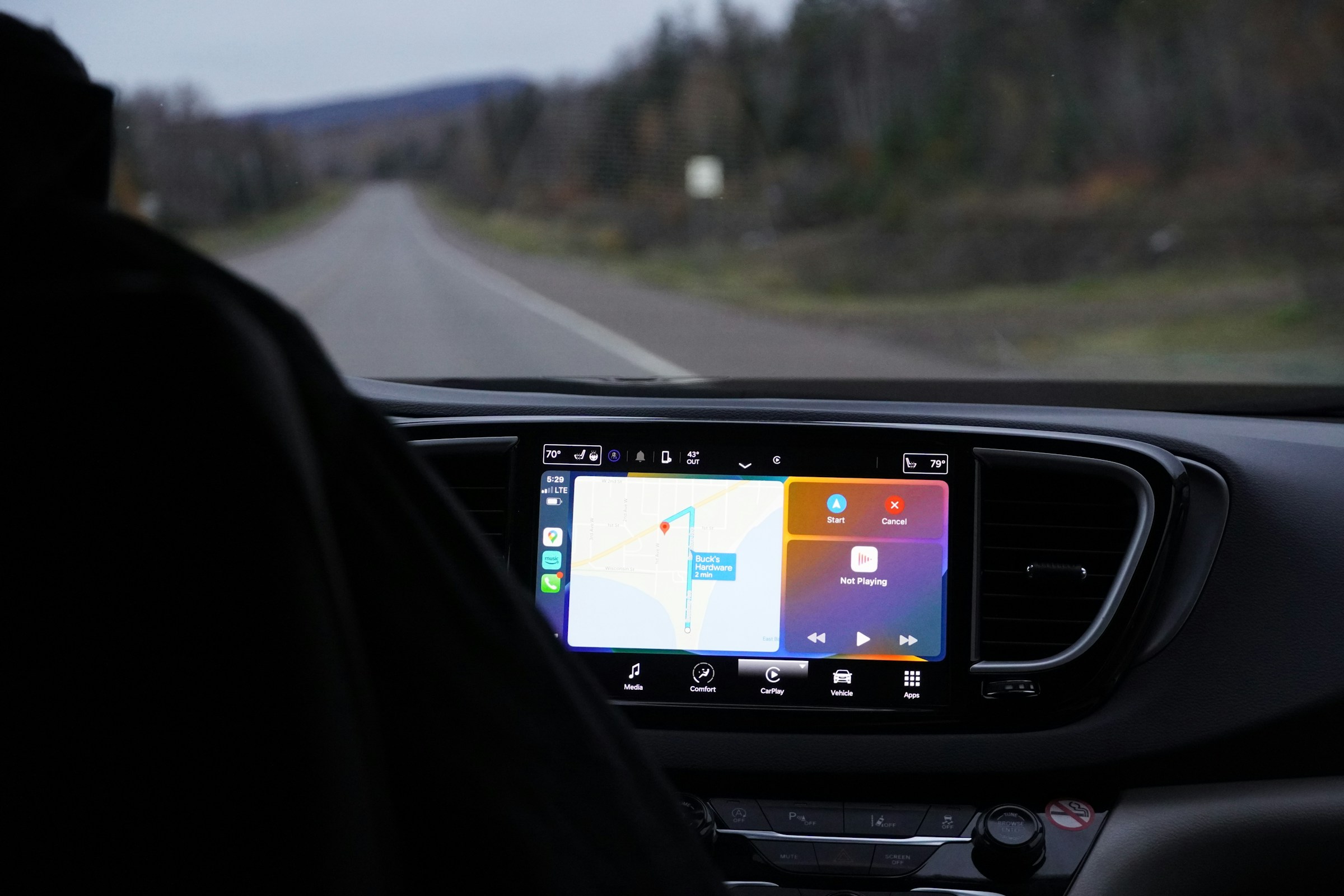
Here is how to tell a safe upgrade from an expensive mistake.
What an Android head unit actually is
An Android head unit replaces your car’s factory stereo with a screen that runs the Android operating system, with its own apps, GPS, and usually wireless Apple CarPlay and Android Auto built in. It is not the same as Android Auto, which only projects your phone onto a display. The head unit is the display. That distinction matters, because a head unit takes over your dashboard, so the wrong one affects a lot more than your playlist.
Why this market is riskier than it looks
Search “Android head unit” and you will find hundreds of near-identical listings at wildly different prices. A few patterns worth knowing:
- Rebranded clones. Many “brands” are the same hardware under a different sticker, with no one accountable when something breaks.
- Inflated specs. RAM, storage, and processor claims are often overstated. The unit that boots fast in the demo can stutter in daily use.
- Compatibility gaps. A generic unit may slot into your dash and still lose your steering-wheel controls, backup camera, or factory warning chimes.
- Thin support. When the seller is a marketplace storefront, “support” is a returns form, not a person who knows your car.
“Compatibility” is not the same as “fit”
This is the single most important thing to understand before you buy.
Fit means the screen physically slots into the dash opening. Compatibility means fit plus everything else working: the harness connects to your factory wiring, your steering-wheel controls still work, your reverse camera still shows, and your climate and warning displays carry over. A unit can fit perfectly and still be a downgrade if it is not compatible with your specific vehicle.
Generic “fits most cars” listings sell you fit. What you actually want is compatibility for your exact make, model, and year.
The safer way to buy
Run any unit past this checklist:
- Vehicle-specific, not universal. Look for one built for your exact make, model, and year, not a one-size box.
- Harness included. Everything should connect to your factory connectors with the included harness, so it is a straightforward install rather than a wiring project.
- Controls and camera preserved. Confirm the steering-wheel controls and backup camera keep working.
- A real person behind it. You want support that troubleshoots with you, and a warranty that means something.
A brand like Car Tech Studio is built around exactly this. Units are matched to your specific vehicle, everything connects to the factory wiring with the included harness, and your steering controls and camera keep working. Head units carry a two-year warranty, and support works the problem with you first; only if it still cannot be made to work do they refund in full and cover return shipping. If you would rather keep your factory screen, a CarPlay module is the lower-effort route, adding wireless Apple CarPlay and Android Auto to the system you already have.
Red flags to walk away from
- “Fits all cars” as the main selling point.
- No mention of a vehicle-specific harness or steering-wheel control support.
- Specs that look too good for the price, with no named warranty.
- No way to reach a human before you buy.
FAQ
Is an aftermarket head unit legal, and will it pass inspection?
In most US states an aftermarket stereo is legal, and a properly installed unit does not affect a safety inspection. Keep your factory backup camera working, since a functioning reverse camera is required on newer vehicles.
Will I keep my steering-wheel controls and backup camera?
With a vehicle-specific unit and the correct harness, yes. That is the whole difference between a compatible upgrade and a generic screen.
Is it hard to install?
A vehicle-specific head unit is a straightforward install because everything connects to your factory connectors. A CarPlay module is simpler still, since it works with your existing screen.
Bottom line
The lowest-priced listing is rarely the lowest-cost outcome. Buy for your exact vehicle, insist on real compatibility and real support, and an infotainment upgrade becomes one of the smartest things you can do for a car you plan to keep, without adding one more distraction to the road.